Hi Guys,
This is small tip i will show you how to get latest SAP S/4HANA Public Cloud Scope item list.
1. Go to https://me.sap.com/roadmapviewer
2. Select “SAP S/4HANA Cloud Public Edition” roadmap

3. Select “Accelerator” and search “Dependencies”

4. Check version of Scope Item List
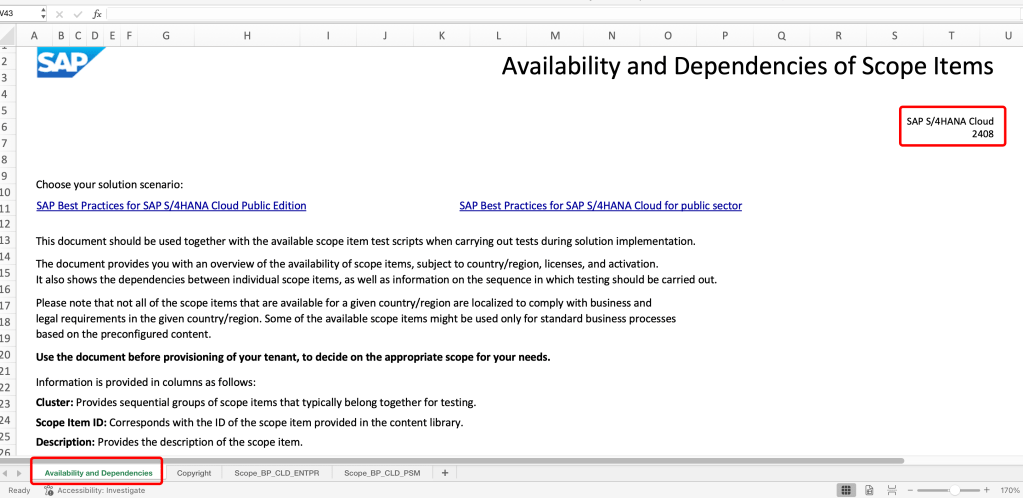
5. Check Important notes
https://me.sap.com/notes/3450904
https://me.sap.com/notes/3450904
Dang Vinh Cuong (Cody)
 SAP Zero to Hero