Hi guys, today I would like to share first configuration which I think It’s very important when we want to integrated with S/4HANA Public Cloud
Let’s take a look System Landscape integrated with S/4HANA Public Cloud

1 – Communication Users
A Communication User in SAP S/4HANA Public Cloud is a system user type used for secure API-based communication between SAP and external systems. It is primarily used in Communication Arrangements to enable integration scenarios, ensuring authentication without human interaction. This user follows OAuth 2.0, Basic Authentication, or Certificates for secure access. Unlike business users, Communication Users have limited authorizations to perform specific API-related tasks. They are created in the Maintain Communication Users app and assigned to Communication Systems and Arrangements. This ensures controlled, secure, and automated data exchange between SAP S/4HANA Public Cloud and third-party applications.
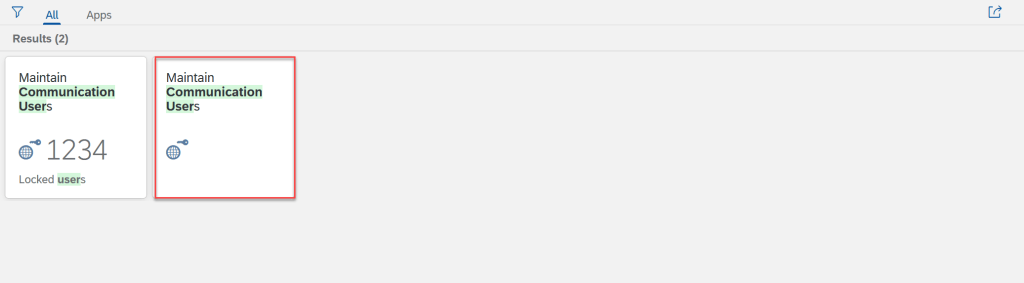
From my perspective, we should create one system user for one system
2 – Communication Systems
A Communication System in SAP S/4HANA Public Cloud represents an external system or service that integrates with SAP via APIs. It acts as a trusted entity for secure data exchange between SAP and third-party applications, such as ERP, CRM, or middleware systems. Each Communication System is linked to a Communication User for authentication and assigned to one or more Communication Arrangements that define integration scenarios. Created using the Maintain Communication Systems app, it ensures secure, structured, and automated communication via protocols like OData, SOAP, and REST APIs, enhancing seamless connectivity in cloud-based enterprise environments.
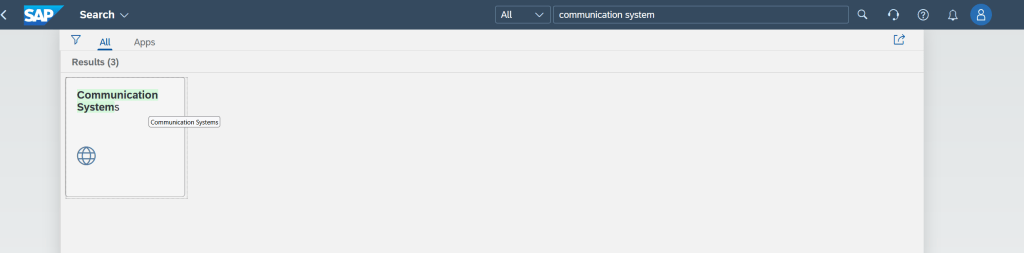
In system landscape above, We need to create 3 communication system in S/4HANA public Cloud: Financial System, WMS system and BTP
By default, one system will be created in S/4HANA, it represents for itself. Host name is https://<host-name>-api.s4hana.cloud.sap
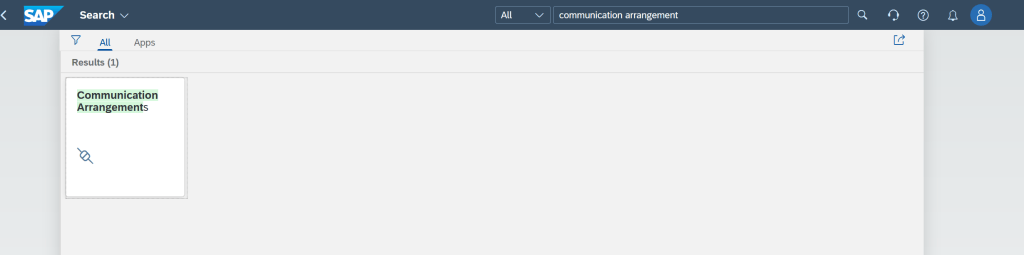
3 – Communication Arrangements
A Communication Arrangement in SAP S/4HANA Public Cloud defines the integration scenario between SAP and an external system. It specifies the Communication System, Communication User, and the exact APIs or services used for data exchange. Each arrangement is based on a predefined communication scenario (e.g., business partner replication, sales order processing) provided by SAP. Created using the Maintain Communication Arrangements app, it ensures secure and structured API-based communication via protocols like OData, SOAP, or REST. Communication Arrangements play a critical role in automating system-to-system interactions while maintaining controlled access and security in cloud-based environments.
4 – Communication Scenarios
A Communication Scenario in SAP S/4HANA Public Cloud defines a preconfigured integration template that specifies which APIs or services can be used for system-to-system communication. It acts as a framework for creating Communication Arrangements, determining the allowed inbound and outbound services. Each scenario is assigned to a Communication System and Communication User for authentication and security. SAP provides standard Communication Scenarios (e.g., SAP_COM_0008 for business partner replication), ensuring structured and secure API-based integration. Created and managed in the Custom Communication Scenarios app, it facilitates seamless data exchange between SAP S/4HANA and external systems.
Communication Scenario have 2 types
- Managed by SAP : This type of communication scenario managed by SAP base on scope item. We can detemine this type with API Accelerator hub
- Managed by Customer: This type of communication scenario managed by customer. It’s mean Customer can create communication scenario.
- Key User can create communication scenario in Custom Communication Scenarios app.
- Developer can create communication scenario with ADT client 80 development of S/4HANA public cloud.
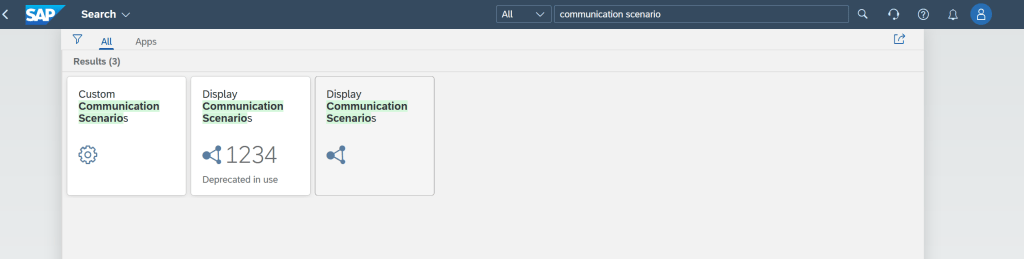
If we do not see standard communication scenario in system, we need to check scope item activated or not.

CONCLUSION
In this article I shared first step for configuration integrated between external system and S/4HANA public cloud. Important to understand every concept, I hope this will be useful for all of you. Next article, I will share series of Key user extensibility in S/4HANA public cloud, in that one we will use concept in this article. Thanks for your time reading and any comment or advise, kindly leave your comment on this.
Thanks.
Joseph.
 SAP Zero to Hero