
Hi forks,
You are invited to explore SAP AI (Embedded AI) if you are an SAP partner or existing customer.
Please follow the link below to get started:

SAP will contact you and confirm some information then ready to try.
What do you have in trial Embedded AI ?
As SAP mentioned, you will have some AI functions that you can try.
- AI-assisted easy filter
End user docu: Working with the AI-Assisted Easy Filter
Configuration (part of What’s New): AI-Assisted Easy Filter - AI-assisted smart summarization
End user docu: Working with the AI-Assisted Smart Summarization Feature
Configuration (part of What’s New): AI-Assisted Smart Summarization - AI-assisted financial business insights
What’s New: AI-Assisted Business Insights in Review Booklets
Please find further documentation in the section of AI-Assisted Business Insights
Make sure that end users have business catalogue SAP_BW_BC_RVB_ABI_PC assigned
- AI-assisted explanation of fixed asset depreciation keys
What’s New: AI-Generated Explanation of Depreciation Keys
Please find further documentation in the last section of the topic Depreciation Key
Let’s try it out
Please make sure to read the guidelines at the link above and grant the required authorization.
Once access to Embedded AI is granted, you will see the “AI” icon appear on the right-hand side of your screen.
1 – AI-assisted smart summarization Example
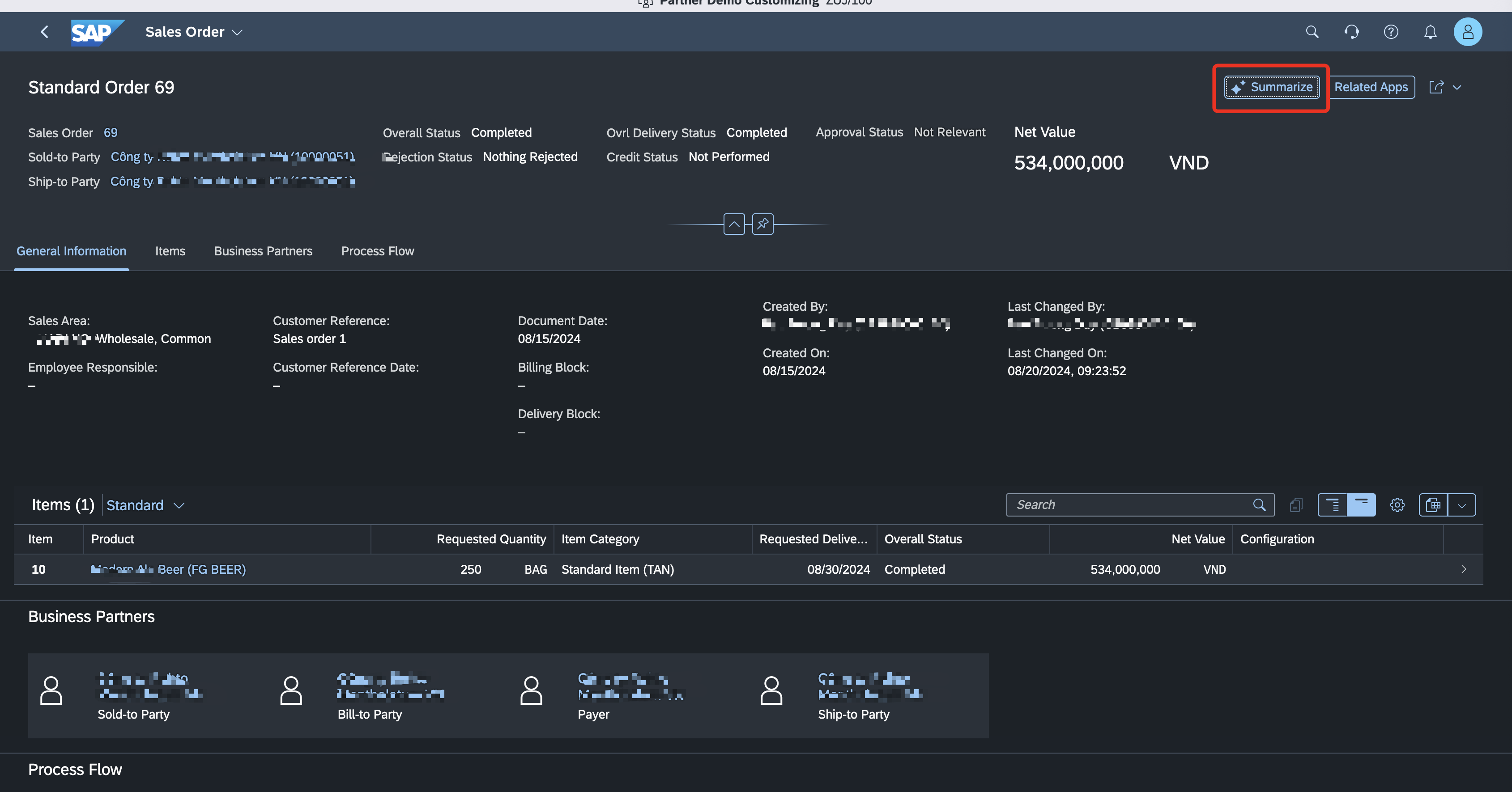
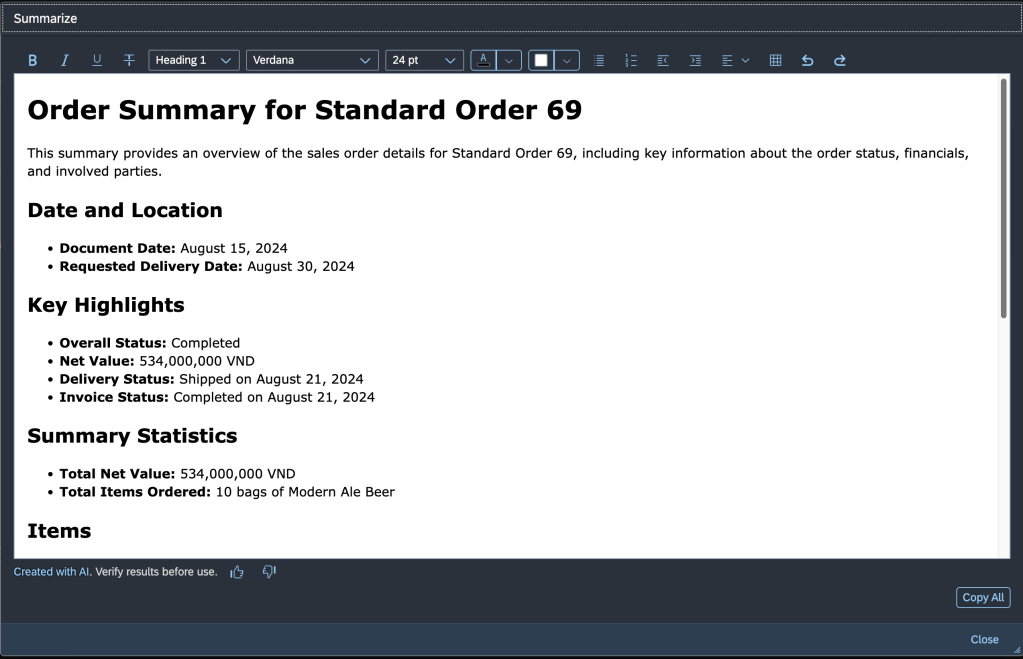
2 – AI-assisted easy filter
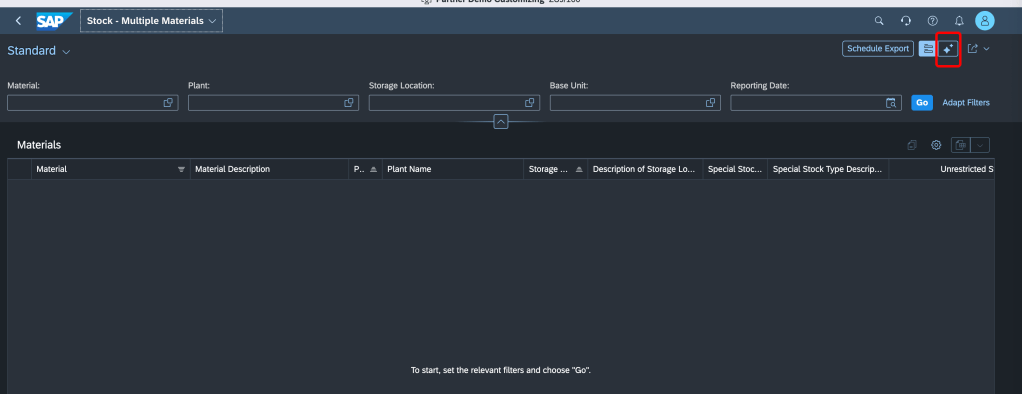

Thanks,
Cody
 SAP Zero to Hero