Hi guys, in this article I want to discuss about How to create SAP HANA Instance in cloud foundry
Prerequisites
Account trial on SAP BTP cockpit
A. Create SAP HANA Database Instances and Data Lake Instances
- Go to Spaces of Cloud Foundry Environment.
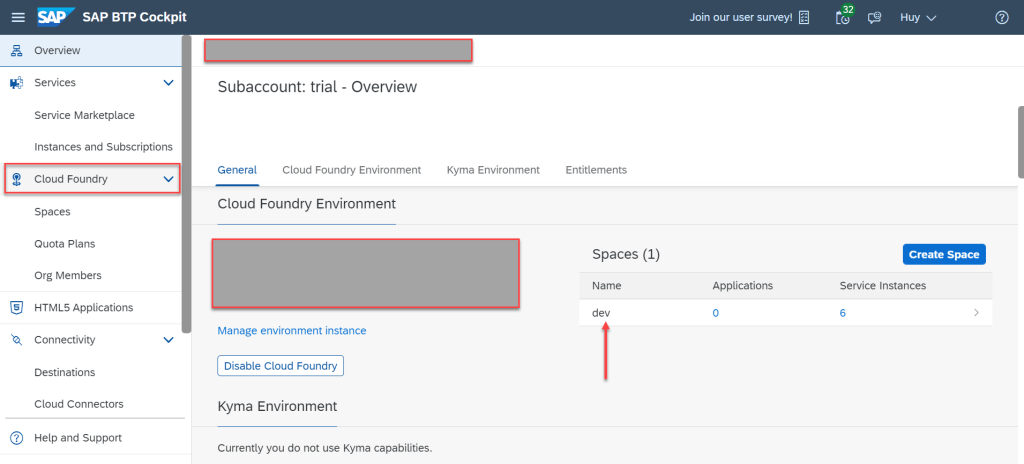
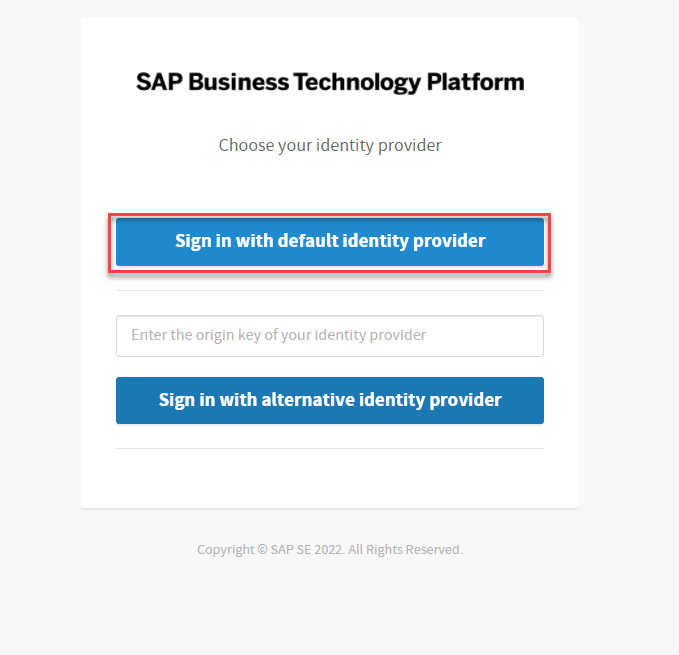
- Choose SAP HANA Cloud and Click Create => SAP HANA Database


- Input user and password for database administrator
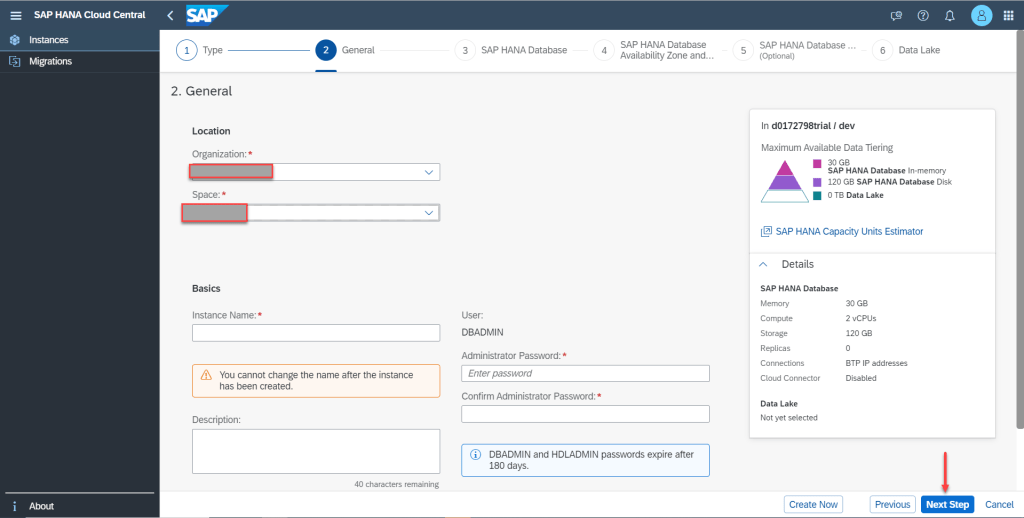

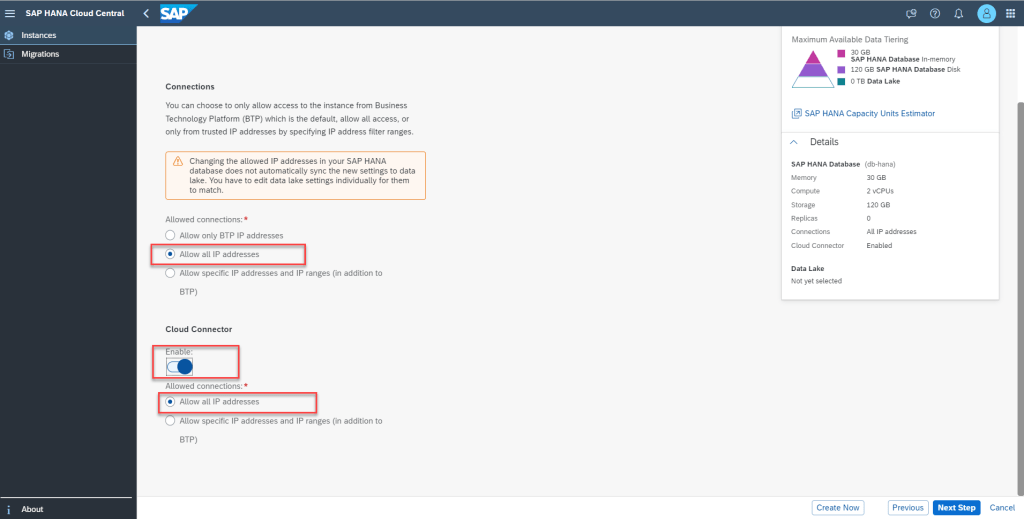
- Create Data Lake

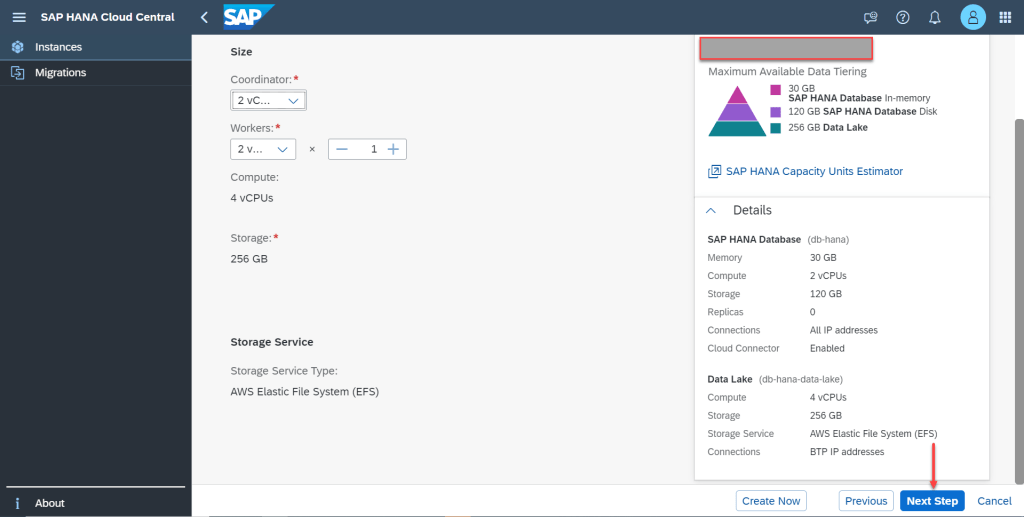

- Create instances processing…

- All, It’s done.
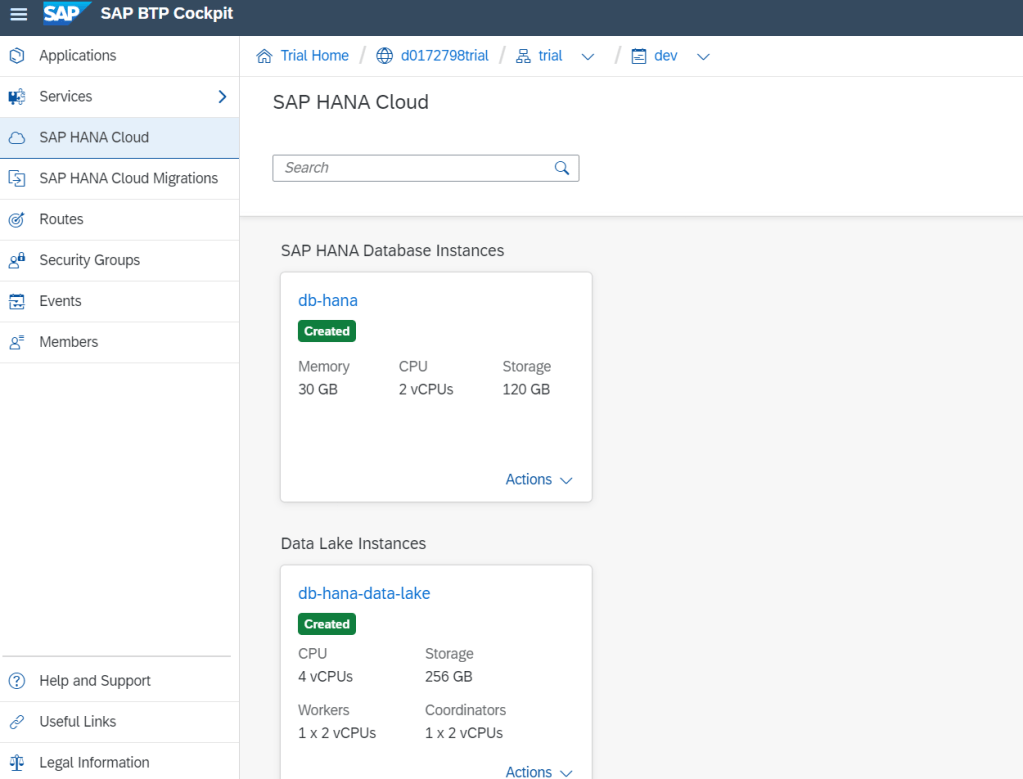
B. Working with HANA Database
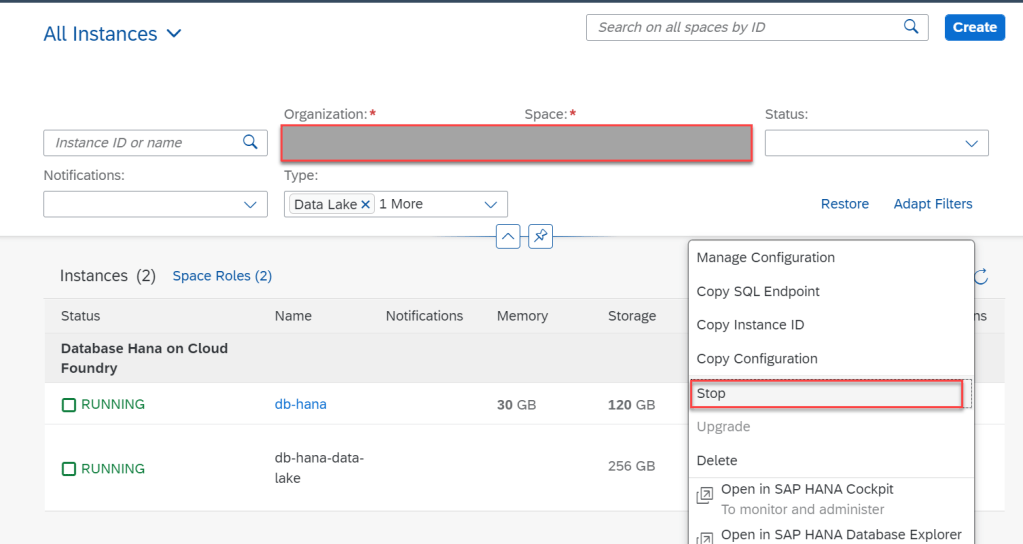
- Stop/Start database
Because you use trial account, so instances will be automatically stopped overnight. So you need restart before working.
- Create users and roles and manage privileges

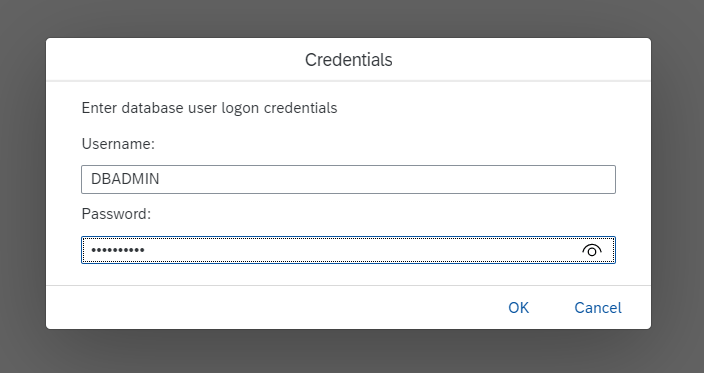
This is dashboard of HANA Database
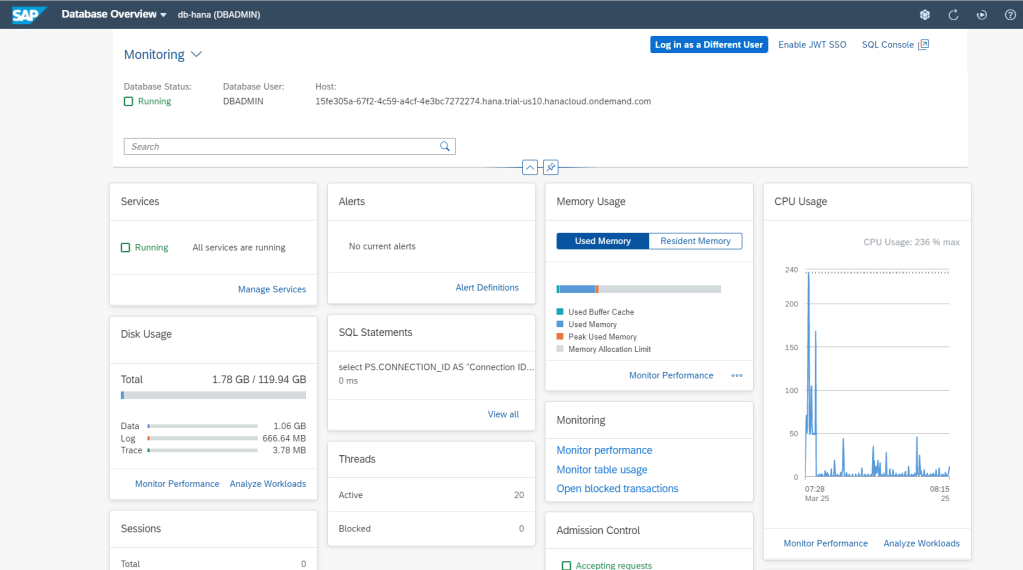
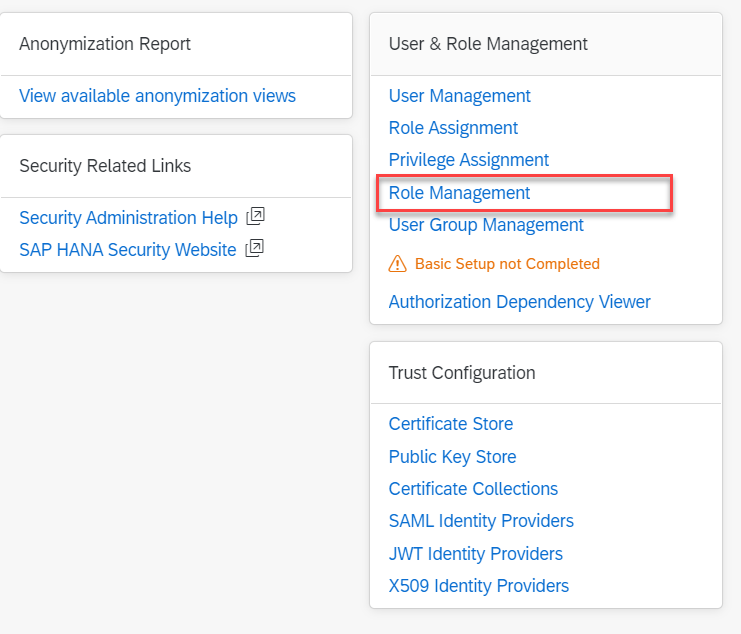
Go to Security And User Management

Go to Role Management
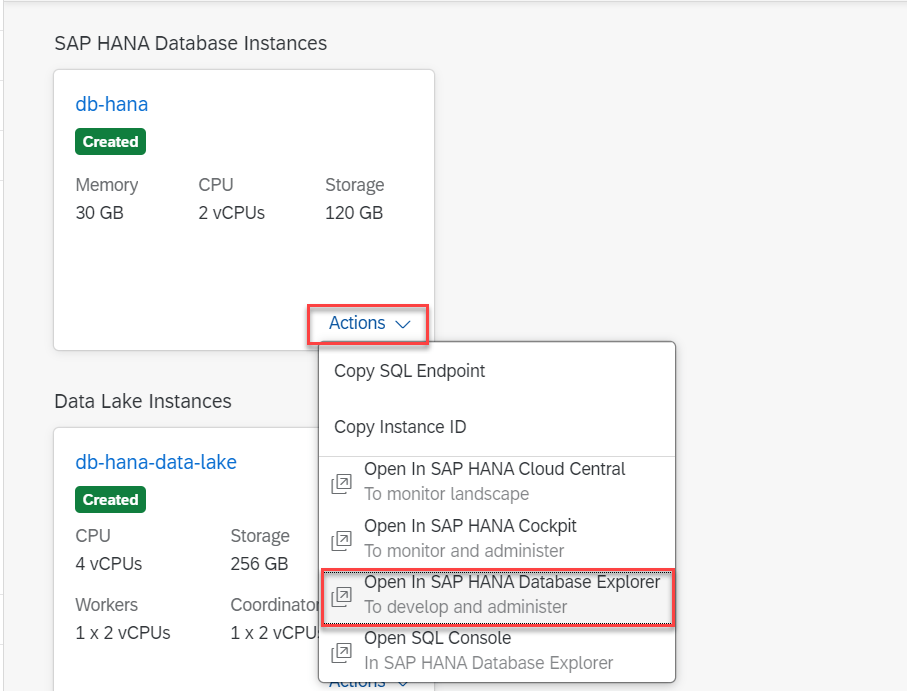
- Import Data to Catalog and Query database using SQL Statement
Go to here to download Data Example SFLIGHT for this demo
Go to Database Explorer

- Choose Browse
- Choose file which downloaded.

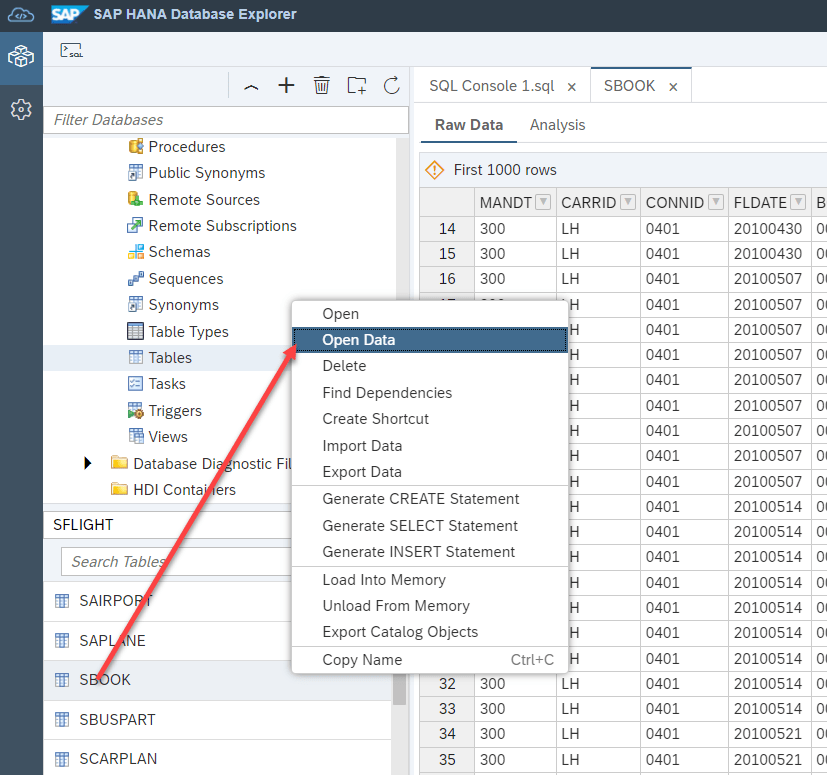
After import done, choose Schema SFLIGHT we have
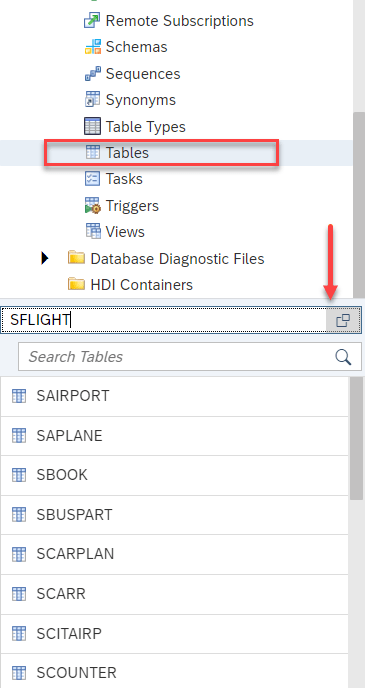
Open data of table SBOOK, we have
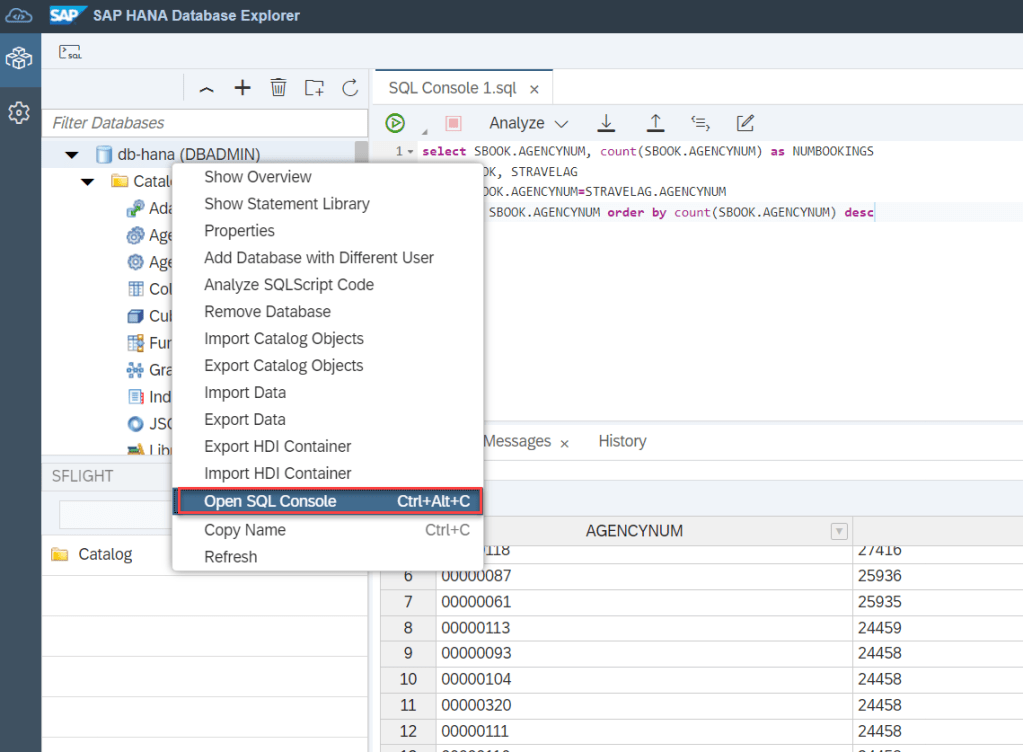
Write some SQL Statement by :
Summary
In this article, I shared How to create instance of SAP HANA Database in CF environment. I also overview about working with objects in HANA database as schema, table, SQL query. Thanks for your reading and any question, kindly leave your comment on below this.
Thanks
Joseph.
 SAP Zero to Hero
how to create .tar.gz file for any table that I want to import
LikeLike